
My MedSchool Experts Portal
The member area for our students: study materials, live tutoring, community map, chat and all appointments in one place. Members log in directly — everyone else gets a free consultation first.
What the member area offers
Everything you need alongside your lectures — study, ask questions, find people, stay on top of appointments.
Virtual classroom
E-learning units and live sessions directly in the group — with recordings in case you miss a session.
Study materials
Scripts, summaries, flashcards and exam documents — sorted by semester and subject.
Step-by-step guides
Application, recognition, visa, on-site registration, flat-hunting: every step explained individually, in the right order.
Tutoring in live group calls
Tutoring with tutors and students in higher semesters: anatomy, physiology, exam prep — ask questions instead of googling.
Community map with geolocation
See on the map who is studying where. Voluntary, with your consent — and switchable off at any time.
Who lives near you?
Know before you move who else is starting in the same city — carpooling, flat share and study group included.
Chat with all members
Direct messages to any member plus topic channels for locations, semesters and subjects.
Appointment reminders by email
Deadlines, calls and exam dates arrive in your inbox on time. No missed application deadline ever again.
Events & schedule overview
A shared calendar for live calls, Q&A sessions, application deadlines and in-person meetups — with more added all the time.
What it looks like on your phone
The complete member area runs in the Skool app — map, chat, courses and appointments always with you.
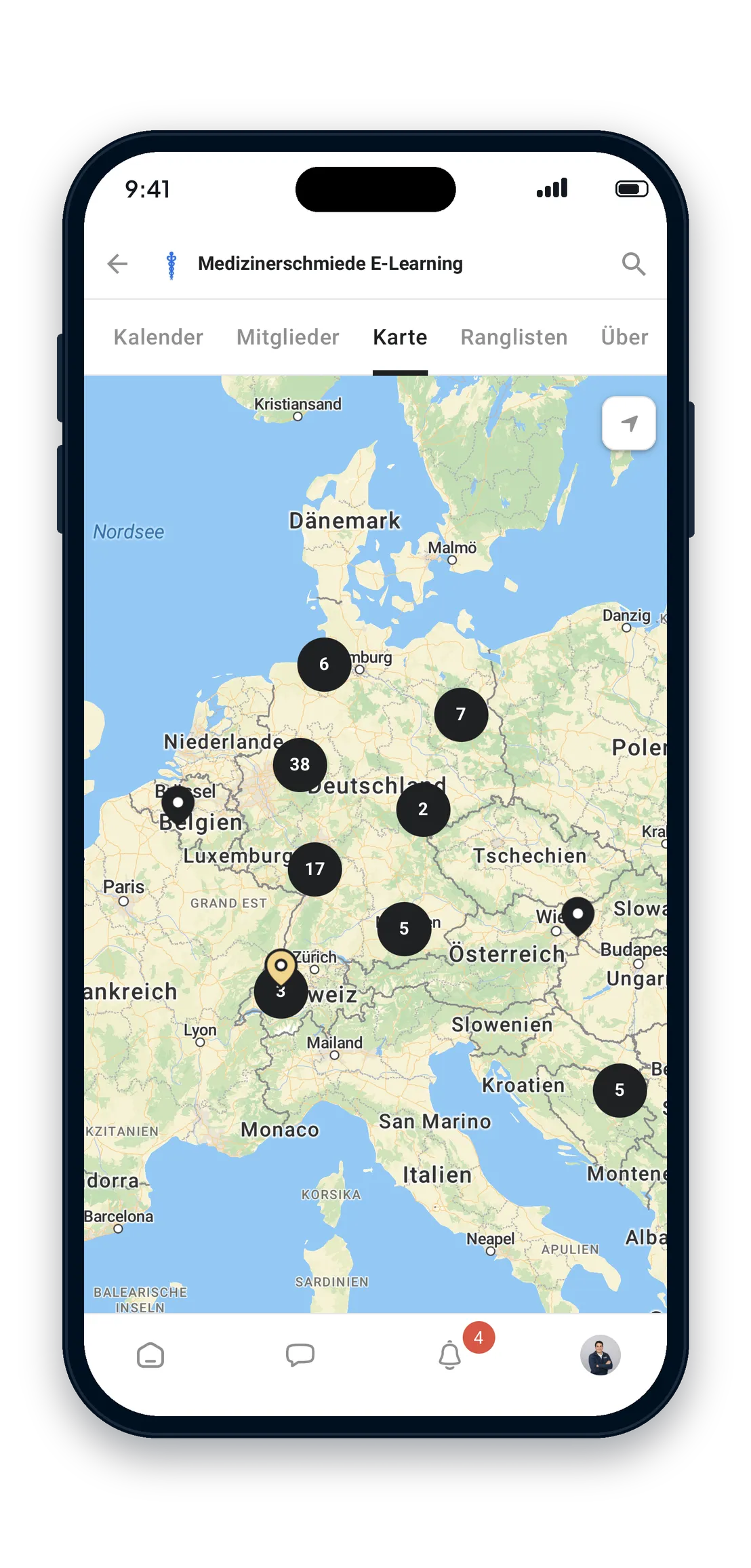
Community map
See at a glance who is studying where — and who is nearby right now.
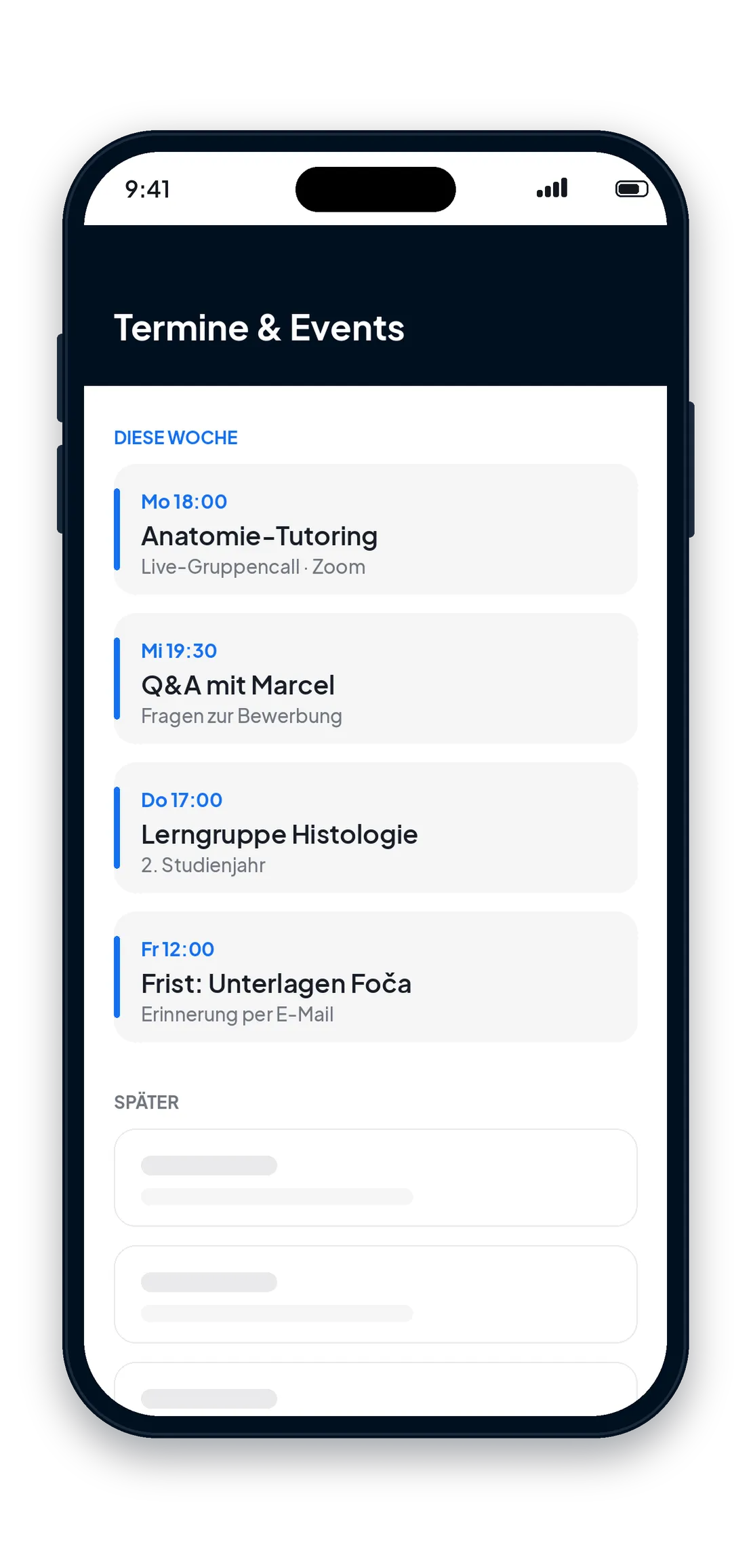
Schedule & events
Live calls, Q&A sessions and deadlines in the shared calendar — with email reminders.
How to access the member area
The area runs on Skool. On your phone, use the free Skool app; on a computer, everything works in the browser.
1 · Download the Skool app
Search for "Skool" in the App Store or Google Play and install the free app.
2 · Create an account
Register with your email address or Google account — using the name you want your fellow students to find you under.
3 · Open login
Tap "Log in" at the top — the link opens our group directly in the app.
4 · Activation
Briefly tell us where you are studying or want to study. We activate your account — after that you have access to all areas.